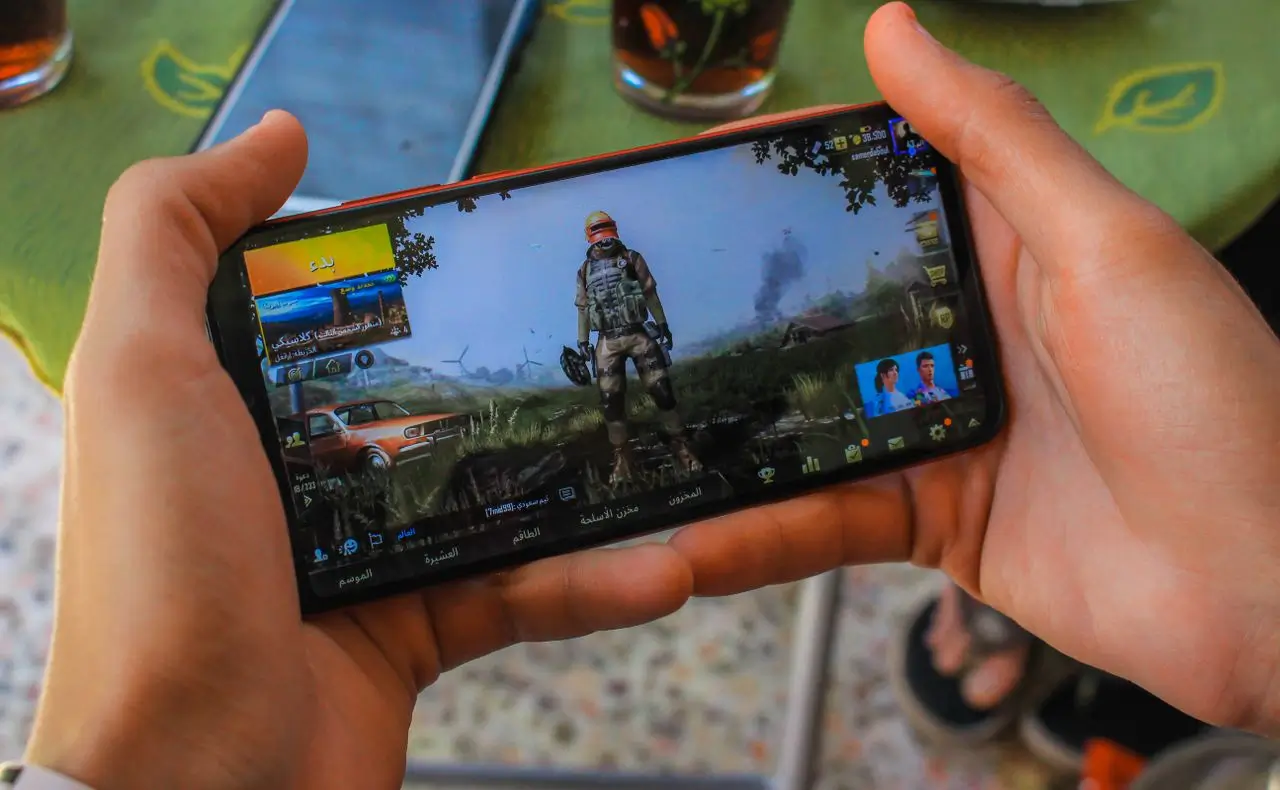

Lag occurs when information between a player’s device and the game server is delayed, arrives inconsistently or fails to arrive. It can cause slow responses, freezes, rubber-banding, delayed shots and disconnections.
A fast internet connection does not always prevent lag. Download speed measures how much data a connection can carry, while gaming also depends on how quickly and consistently small packets travel. Wi-Fi conditions, congestion, server distance, local hardware and server performance can all affect the experience.
What Does Lag Mean?
Players often use “lag” to describe any delay or stutter, but several different problems may be involved.
Network lag occurs when game data is delayed or lost between the device and server. It may cause delayed movement, late ability activation, teleporting characters or missed actions.
Frame-rate stutter happens when the device cannot render the game smoothly. High graphics settings, limited memory, background applications, overheating or processor limitations can make gameplay look choppy even when the network is stable.
Input latency is the delay between pressing a button and seeing the result. It may be affected by the controller, game engine, processor, display and network.
Server lag occurs when the game server is overloaded or processes updates too slowly. When several players in the same session experience the same problem, the server may be responsible.
Latency, Jitter and Packet Loss
Latency is the time required for data to travel to the server and return. It is usually measured in milliseconds and often displayed as ping. High latency creates a consistent delay between an action and the game’s response.
Jitter is the variation in latency. A connection may normally show low ping but suddenly experience large spikes. This can cause jerky movement, brief pauses, inconsistent hit registration and broken voice communication.
Packet loss occurs when some packets fail to reach their destination. It may cause rubber-banding, missing actions, frozen characters, audio interruptions or disconnections. Even a small amount can be disruptive when several packets disappear together.
These problems can occur at the same time. Congestion may increase latency, create jitter and eventually cause packets to be dropped.
Common Causes of Gaming Lag
Distance from the game server is a major factor because data must travel farther and cross more networks. Internet routing also matters, so a nearby server may still perform poorly if the route is indirect or congested.
Wi-Fi interference is another common cause. Walls, nearby networks, weak signals and multiple connected devices can make packet delivery inconsistent. Testing the game with Ethernet can help determine whether Wi-Fi is contributing to the issue.
Household activity can also affect gaming. Large downloads, cloud backups, video uploads and software updates may fill the connection or router queues. Upload congestion is especially disruptive because the player’s commands must wait behind other traffic.
Lag may also come from overloaded servers, low update rates, internet service provider faults, damaged cables, router problems, mobile-network changes or local device performance.
Why Fast Internet Can Still Lag
A high-speed connection provides capacity, but it does not guarantee low delay or stable packet delivery. For online gaming, a moderate but stable connection may perform better than a faster connection affected by packet loss or latency spikes.
How to Identify the Cause
Start by describing the symptom. Consistent delay usually suggests latency, sudden spikes may indicate jitter, and rubber-banding often points to packet loss or server correction.
Check the game’s network display for ping, packet loss, server region and frame rate. Compare Wi-Fi with Ethernet, test the connection while the network is idle and busy, and try another game or server region.
If offline games also stutter, the problem is more likely related to hardware, graphics settings or background software. If everyone in one match freezes at the same time, the game server may be responsible.
Conclusion
Online-game lag can originate from the device, home network, internet provider, routing path or game server. Latency measures delay, jitter measures changes in delay and packet loss measures information that never arrives.
Effective troubleshooting begins by identifying the exact symptom, checking in-game statistics, comparing wired and wireless performance and determining whether the issue follows the device, network or server.
Frequently Asked Questions
There is no single main cause in every case. High latency, jitter, packet loss, Wi-Fi interference, network congestion, server delay and low local frame rate can all create symptoms described as lag. The pattern of the problem usually provides the strongest initial clue.
High internet speed measures data capacity, not delivery consistency. The game can still lag because of high latency, packet loss, Wi-Fi interference, bufferbloat, poor routing or a distant server. Loaded-latency testing is more useful than peak download speed when lag appears during network activity.
It depends on the game and severity. High but stable ping creates predictable delay, while high jitter causes the delay to change repeatedly. Games can often compensate more consistently for stable conditions than for sudden spikes, although either condition can become disruptive.
The server and client may temporarily disagree about the player’s position when movement updates are missing or delayed. Once an authoritative update arrives, the game corrects the position, making the character appear to snap backward or forward.
No. Ethernet can remove wireless interference and contention from the local connection, but it cannot eliminate server delay, congestion outside the home, inefficient routing, physical distance or game-engine processing. It is most useful as a diagnostic comparison and as a way to improve local connection consistency.
Low FPS does not normally change the network path itself, but it can delay how quickly the game processes inputs, networking events or incoming updates. The experience may therefore feel laggy even while the network ping remains unchanged.
The upload may fill the available upstream capacity or router queue. Time-sensitive game packets then wait behind other traffic, increasing latency and jitter. Excessive queueing under load is associated with bufferbloat.
Yes. The game’s data centre, network interface, upstream provider or server software can experience congestion or faults. When many players in the same session report the same problem simultaneously, a server-side or shared-route issue becomes more likely.